
Help test Zomello
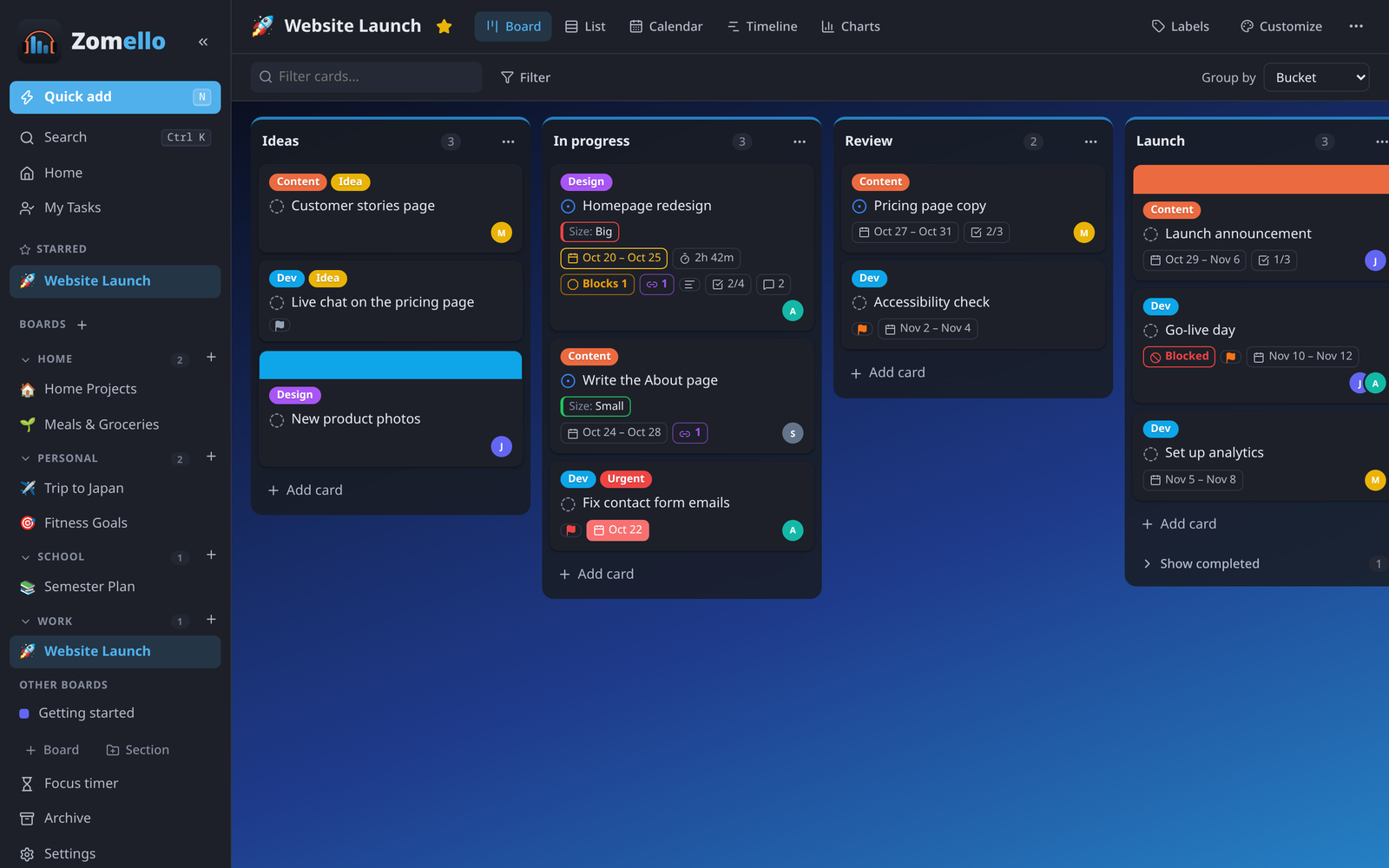
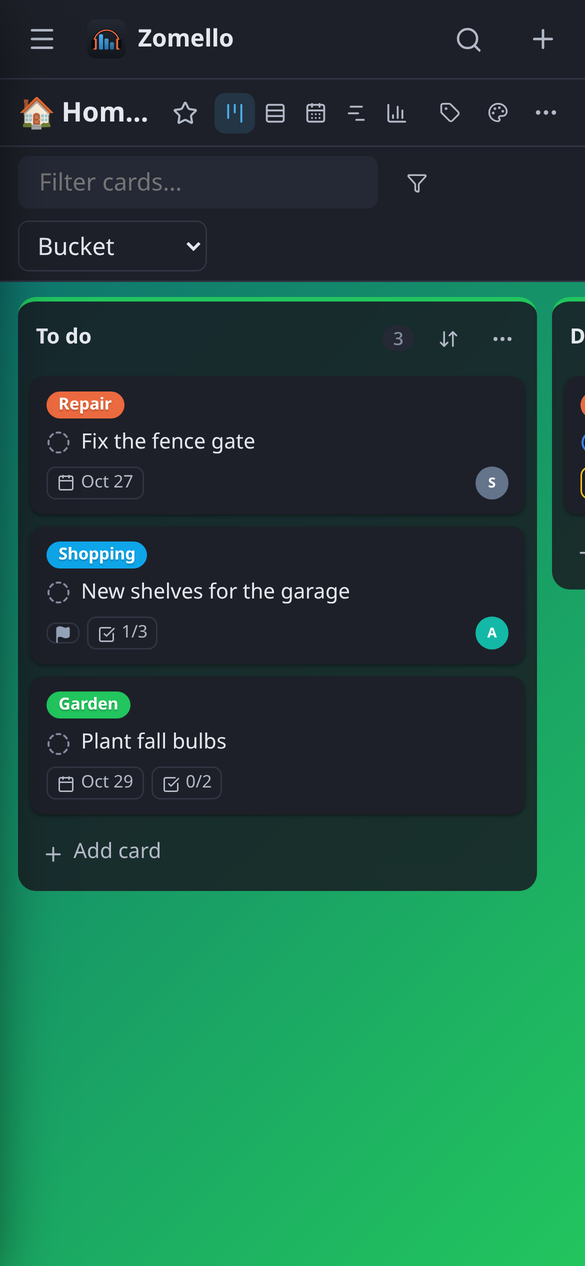
Zomello is a free planner for boards, lists and cards, with a calendar, reminders and a My Day page. It keeps your boards on your own devices: no account, no ads, no tracking.
Before it goes live in Google Play and the App Store, we're looking for a small group of people to try it on their own phones and tablets and tell us what works and what doesn't.
What it involves
- About two weeks. Google asks that testers keep the app installed for 14 days in a row. A few minutes a day is plenty: plan your week, a trip, chores or a project.
- Tell us what you notice. Anything confusing, broken, or missing. A sentence is enough; there's no survey to fill in.
- Free, always. Zomello costs nothing, and testing doesn't sign you up for anything else.
Who we're looking for
| Device | What you need |
|---|---|
| Android phone or tablet | A Google account (the one you use for Google Play) |
| iPhone or iPad (opening soon) | The free TestFlight app from Apple, and your Apple ID email. The iPhone and iPad test is waiting on Apple's review: sign up now and we'll email your link the day it opens |
| Windows or Linux computer (optional) | Nothing extra. Download it from the releases page |
| A server with Docker (optional) | A computer or home server that can run Docker. See Setting up a server |
Any experience level is welcome. People who have never used a planner app are just as helpful as people who use one every day.
What happens after you sign up
- You get a welcome email within a few minutes, with the links for the devices you picked: a Google Play link for Android, a TestFlight link for iPhone and iPad. If a test hasn't opened yet, we email that link as soon as it does.
- Install Zomello from that link and use it the way you normally would.
- About a week in, we send one short email to ask how it's going.
- When testing ends, your app keeps working and updates normally from the store.
Sending feedback
Whatever is easiest for you:
- In Zomello: open Settings > About and tap Send feedback. It starts an email with your Zomello version and device already filled in, so you only write what happened. If something broke, the last few problems from the device's log are added too.
- Reply to any email from us about the test.
- Email info@zombeatzmedia.com.
Useful things to tell us: what you tried to do, what happened instead, and anything you went looking for and couldn't find. A screenshot helps when something looks wrong. One sentence is still useful.
Having trouble?
The Google Play link says I'm not a tester, or the app isn't found. Open the link while signed in to the same Google account you gave us, and tap Become a tester first. If you just signed up, wait 10 to 15 minutes and try again. If you have more than one Google account on your phone, open the link in a browser signed in to the right one.
The TestFlight link says the beta isn't accepting testers. The iPhone and iPad test hasn't opened yet. You don't need to do anything: we'll email you as soon as it does.
TestFlight asks me to install TestFlight. Install the free TestFlight app from the App Store, then open the link again on the same iPhone or iPad.
I didn't get the welcome email. Check your spam or promotions folder for mail from ZomBeatz Media. Still nothing? Email info@zombeatzmedia.com and we'll sort it out.
I want to stop testing. Uninstall Zomello, or on Android open the Google Play link and tap Leave the program. Let us know if you'd also like your sign-up deleted.
Your information
The sign-up asks for your name, email and device, only so we can send your invitation and reach you about the test. We don't share it or use it for anything else, and you can ask us to delete it at any time. Zomello itself collects nothing: see the privacy policy.
Questions? Email info@zombeatzmedia.com.