
Your computer's boards on your phone
The phone and tablet apps keep their own boards, and can also open the boards on your computer while both are on the same Wi‑Fi. The connection is encrypted, and nothing passes through the internet or ZomBeatz Media.
On the computer (once)
- Open Zomello > Settings > Phones & tablets and turn it on.
- Install the certificate on your phone. It's what makes the connection encrypted and trusted. The page shows a QR code and the steps for Android, iPhone and iPad. You only do this once per phone.
- If Windows asks about the firewall, allow it (or use Allow through firewall on that page).
On the phone
- Open Settings > Servers, under Boards on your computer.
- On the computer, click Pair a device. A QR code and a six-digit code appear.
- On the phone, tap Scan the QR code on your computer and point the camera at it. (Or type the
https://address it shows, or paste the whole pairing link.) - Android 17 and iPhone/iPad ask to let Zomello find devices on your network: allow it.
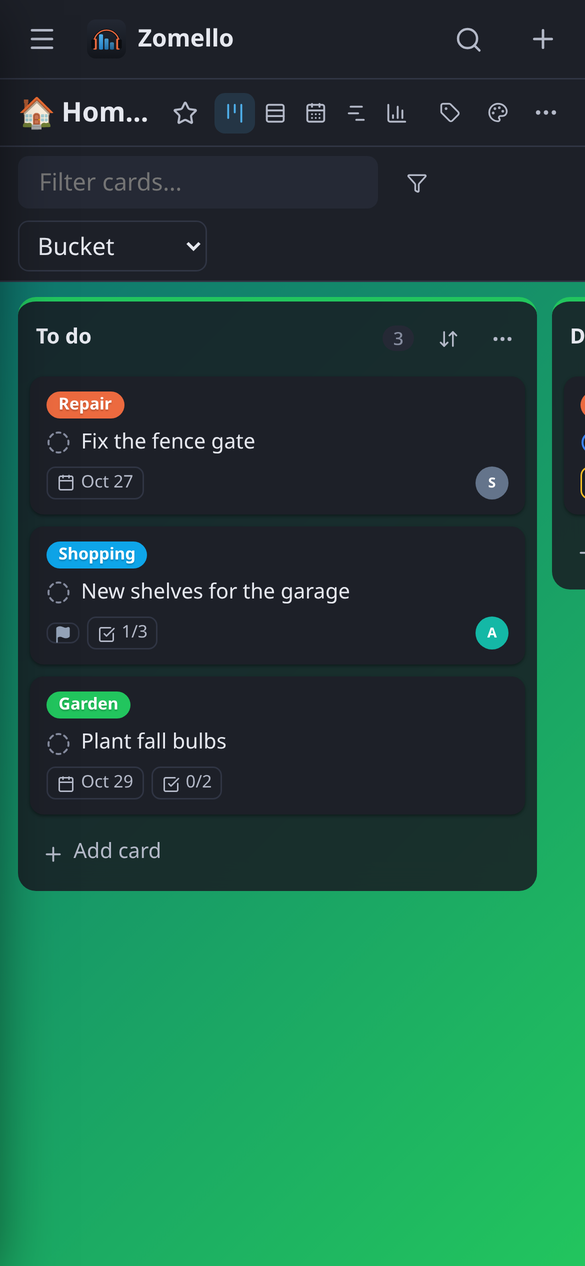
That's it. The menu now has a heading for each place: This phone and Computer (plus any Zomello Servers). Tap a board under Computer to open it there.
If it can't connect
"Couldn't reach your computer" almost always means one of three things: the computer's certificate isn't installed on the phone yet, the two aren't on the same Wi‑Fi, or Zomello isn't open on the computer. After scanning, Zomello offers Install your computer's certificate if that's the problem.
How it behaves
- Your computer's boards stay on the computer. The phone shows them while it can reach the computer; otherwise it opens its own boards and offers Try again.
- The app reopens wherever you were last.
- Your phone keeps its own look (theme, colors, text size) even on the computer's boards.
- While the phone is connected, its boards also show in the computer's sidebar under the phone's name, so you can open and edit them on the computer. Hide them with Show its boards on this computer in Settings > Phones & tablets.