
Maintenance and inspections
Maintenance holds inspections and repairs on a tail, with the maintainers working them. Inspections plans them from each aircraft type's maintenance program.
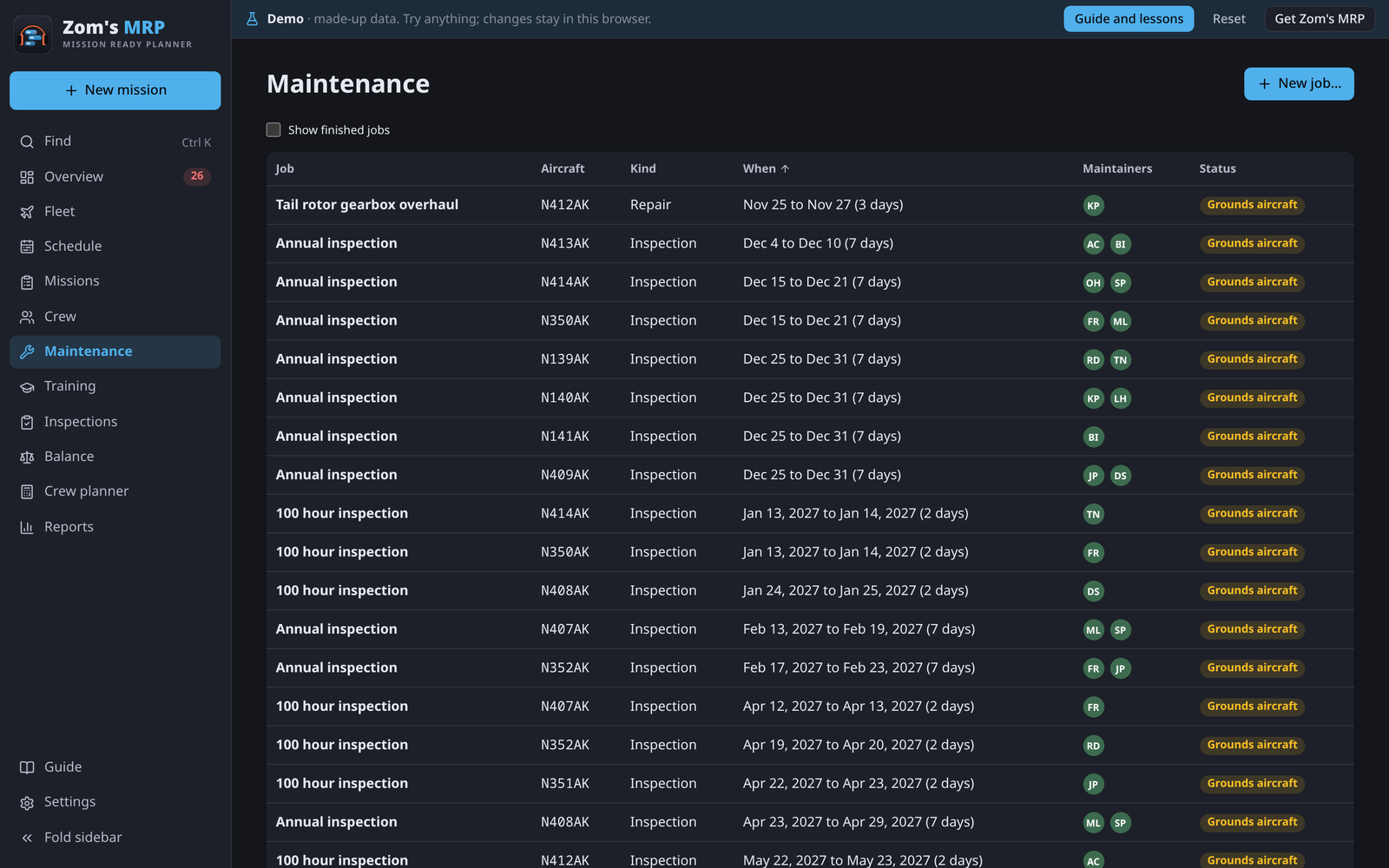
Maintenance jobs
- On Maintenance, press New job. Start from offers jobs you've planned before and common starters (100 hour, annual and phase inspections, engine change).
- Name it, pick the tail and the first and last day.
- Under Who's doing it, tap the maintainers. Free ones rated on that aircraft come first; Busy, Off or Not rated says why someone else isn't a good pick.
- Leave The aircraft can't fly during this job ticked if it's grounded meanwhile, then save.
- When it's done, open it and tick Finished.
A grounding job makes the tail not free on the Fleet page, and any mission booked on it is flagged.
An aircraft breaks down
- Add a job for the days it'll be down, with The aircraft can't fly during this job ticked.
- The booked mission shows on the Overview. Open its season and, on Details, take that tail off and add a free one.
Inspections
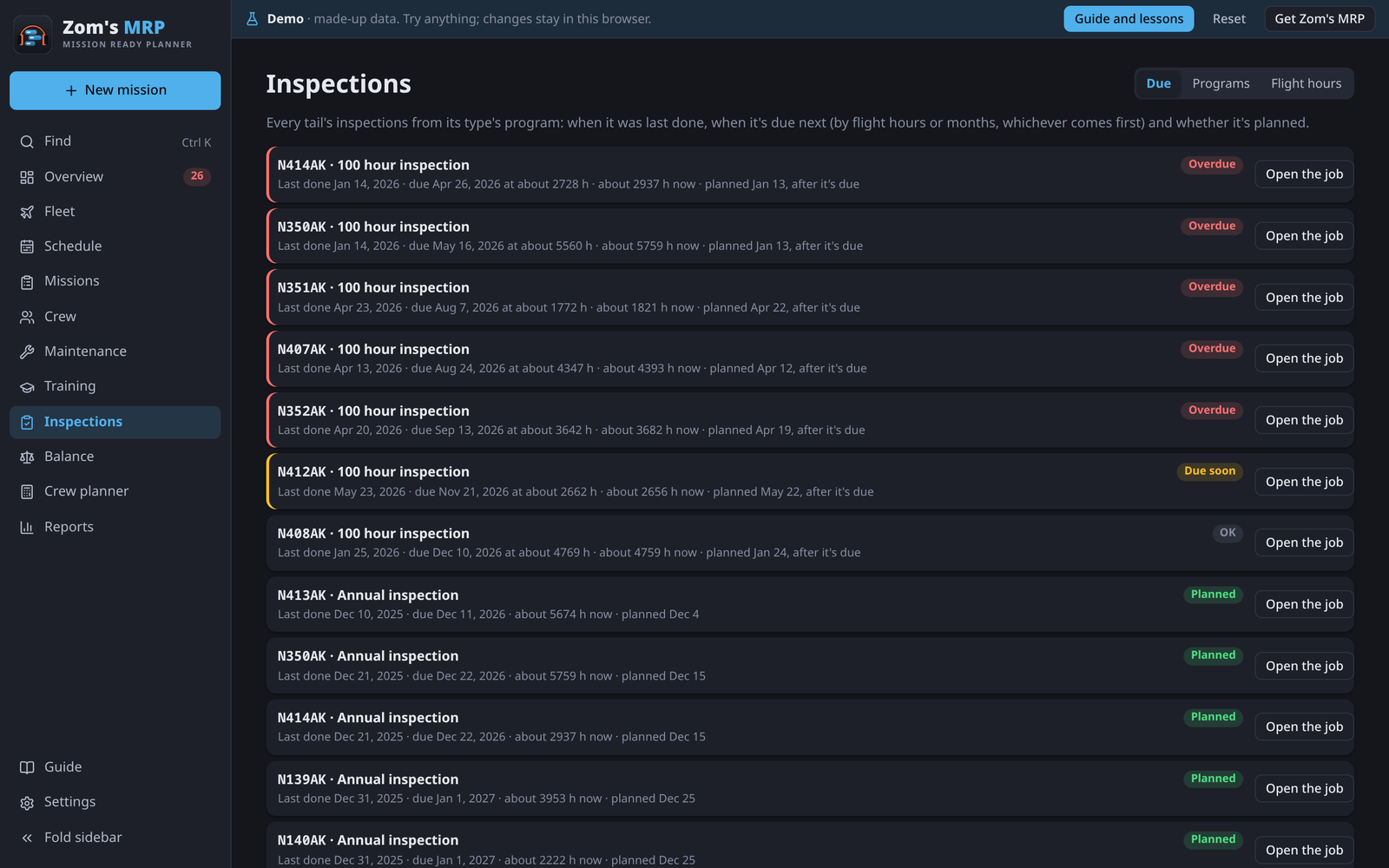
Programs
On Inspections > Programs, add each aircraft type's inspections: every so many flight hours and/or months (whichever comes first), how many days it takes, and whether it grounds the aircraft. A maintenance job on the tail with the same name counts as doing it.
Flight hours
Under Flight hours, type each tail's hours when you have them. In between, Zom's MRP adds mission days × hours per flying day (the aircraft's own, or Settings > Maintenance programs).
Due
Due lists every tail's inspections with when they were last done and when they're due.
- Record last done… starts the count where there's no record yet.
- Plan it… books one in the latest free days before it's due.
Overdue and due-soon inspections show under Needs attention and on an Overview tile.
Settings
In Settings > Maintenance programs:
- Track inspections and flight hours here turns the whole thing off for anyone with another system.
- Plan inspections automatically books due ones in their tail's best free days when the app opens. You still pick who does them.
- Flight hours on a mission day and Due soon (days ahead).
Related
- Fleet: maintenance under each tail.
- Overview and problems: grounded aircraft that are booked.
- Settings: every maintenance setting.