Keyboard shortcuts
The same list is in Settings > Shortcuts and at the end of the in-app Guide. On a Mac, use ⌘ where it says Ctrl.
Everywhere
| Keys | Does |
|---|---|
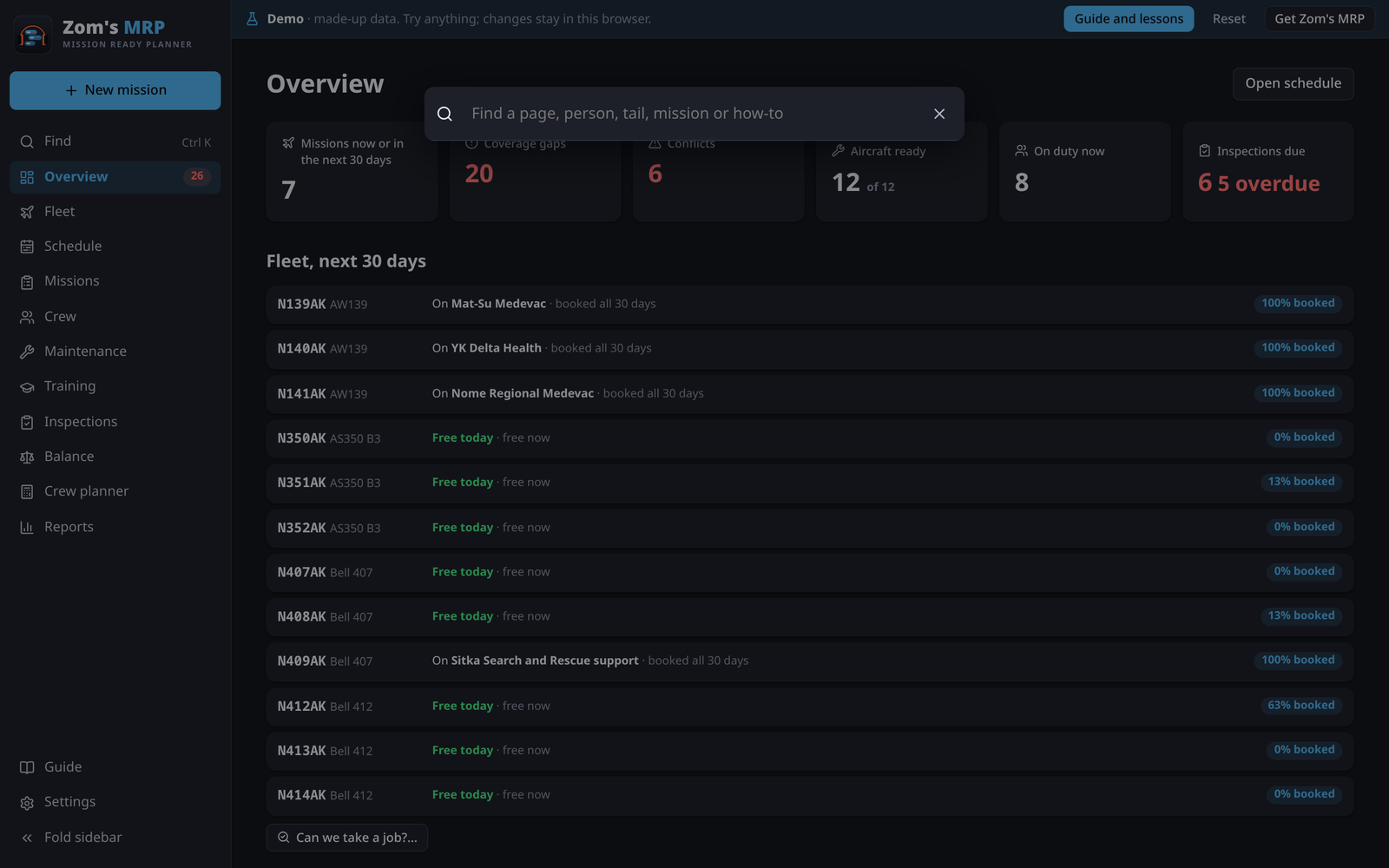
| Ctrl K | Find anything by name |
| N | New mission (or a new item on its own page) |
| Ctrl Z | Undo |
| Ctrl Shift Z | Redo |
| [ | Fold the sidebar |
| ? | The Guide |
| Esc | Close a form (it asks first if you've changed something) |
Charts
| Keys | Does |
|---|---|
| Ctrl + scroll | Zoom in or out (or pinch) |
| Shift + scroll | Move through time (or drag) |
| ← → | Move through time (Schedule) |
| T | Today on the Schedule |
| + − | Zoom the Schedule in or out |
| Alt while dragging a shift's end | Move just that shift, not the next person's (Option on a Mac) |