
Balance
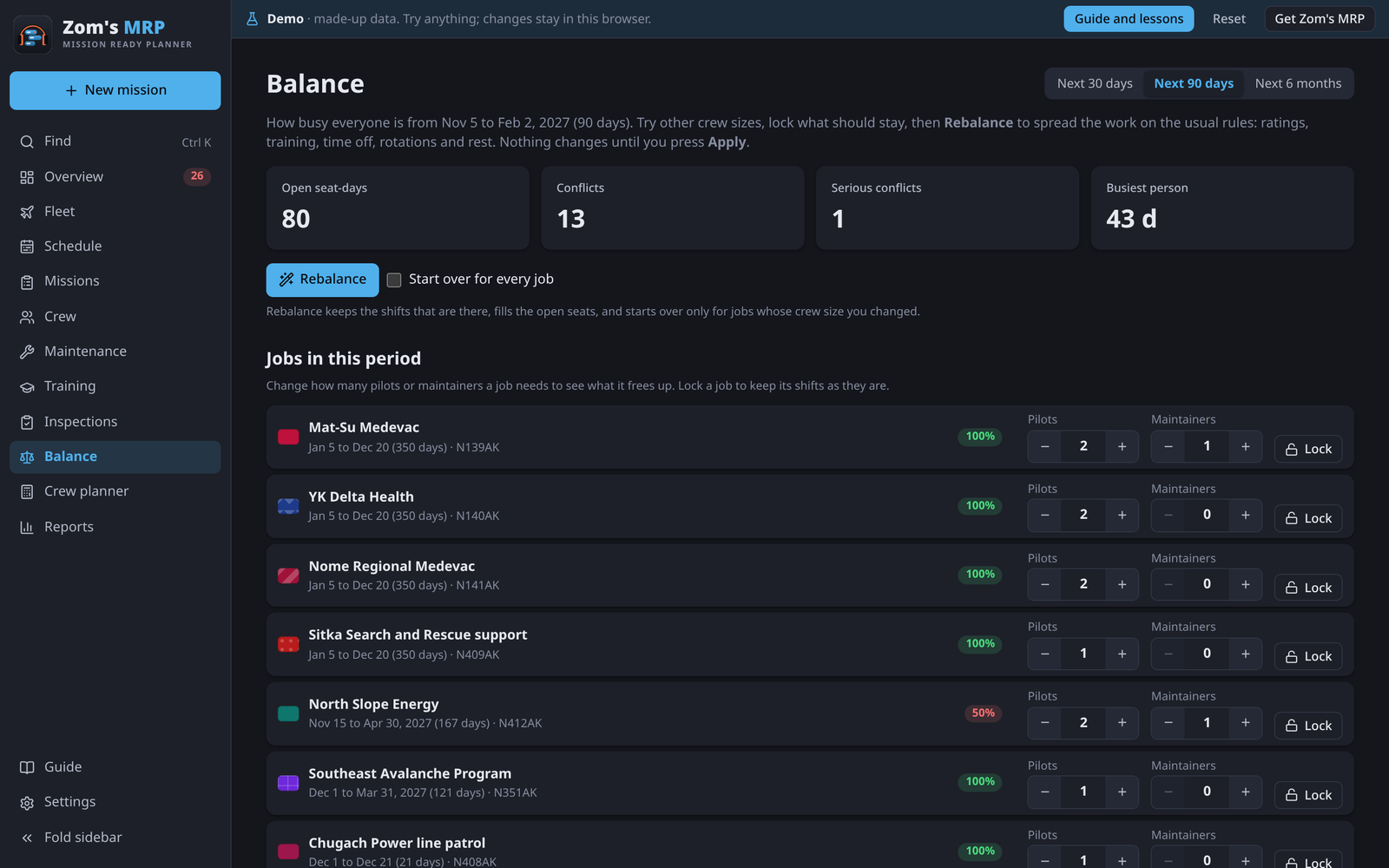
Balance shows how busy everyone is over a period, and lets you try other crew sizes and spread the work again. Nothing changes until you press Apply.
How busy everyone is
Pick Next 30 days, Next 90 days or Next 6 months. Each person's bar is the share of the days they can work (time off doesn't count) that they're booked:
| Color | Means |
|---|---|
| Red | Very busy |
| Green | Busy |
| Blue | Light |
| Grey | Hardly used |
The tiles show open seat-days, conflicts, serious conflicts and the busiest person.
Trying it another way
- Under Jobs in this period, change a job's pilots or maintainers, say from 2 to 1. Nothing is saved yet.
- Lock any job or person that should stay as it is.
- Press Rebalance. It keeps the shifts that are there, fills open seats, and starts over for the jobs whose size you changed. Tick Start over for every job to redo them all.
- Compare before and after: the numbers at the top, and a line on each person's bar where they are now.
- Press Apply to keep it (Undo is in the message), or Undo the changes here to drop it.
Time off, ratings, training, rotations, rest and flight-hour limits are always followed.
Related
- Filling the schedule: the same rules, one season at a time.
- Crew planner: whether your pilots can cover the coming jobs.
- Work limits: what's always followed.