
Steam Deck
Zom's Modzilla is made to work in Game Mode with the controller, after a few minutes of setup in Desktop Mode.
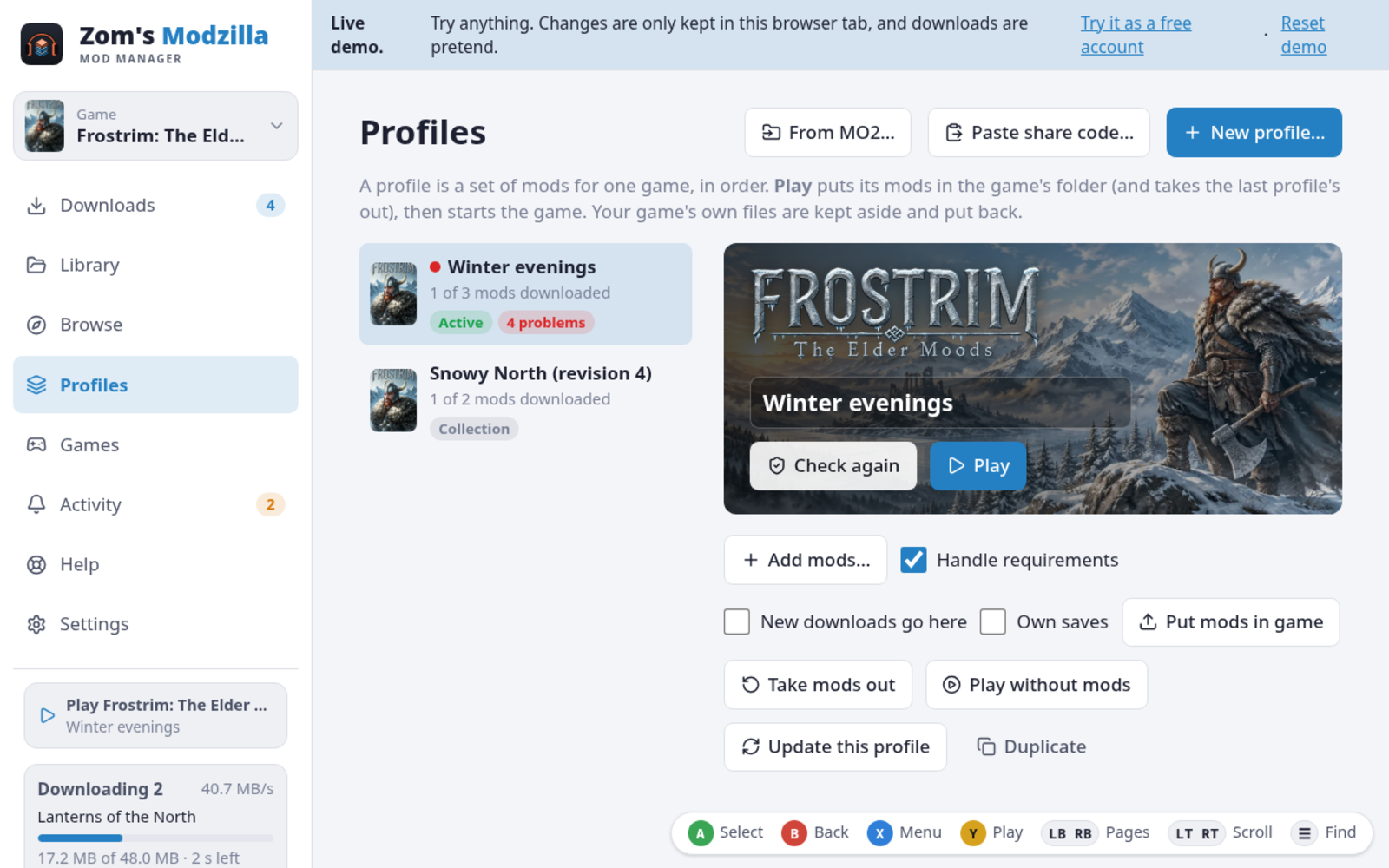
Set it up
- In Desktop Mode, download the AppImage and open it. A first-run setup opens by itself on a Deck.
- Press Add to Steam. Zom's Modzilla appears in your library in Game Mode, with its artwork. Steam has to be closed while it's added; the app offers to close and reopen it, and keeps a backup of Steam's shortcuts first.
- Sign in: paste your API key in Settings. It's easiest here in Desktop Mode, with copy and paste.
- Games on the SD card: press each one listed, so its mods are kept on the card too and linked, not copied.
The controller
| Button | Does |
|---|---|
| D-pad or left stick | Moves between buttons |
| A | Presses (a text box opens Steam's keyboard) |
| B | Goes back, closes a dialog |
| X | Opens a thing's menu |
| Y | Plays the picked game's profile |
| L1 / R1 | Previous and next page |
| Menu | Find anything |
For the back buttons and the trackpads, press the controller button on Zom's Modzilla's page in your library and pick Gamepad with Mouse Trackpad. Then set back buttons to keys: F1 Help, F2 find anything, F3 Downloads, F4 Send from your phone.
Typing
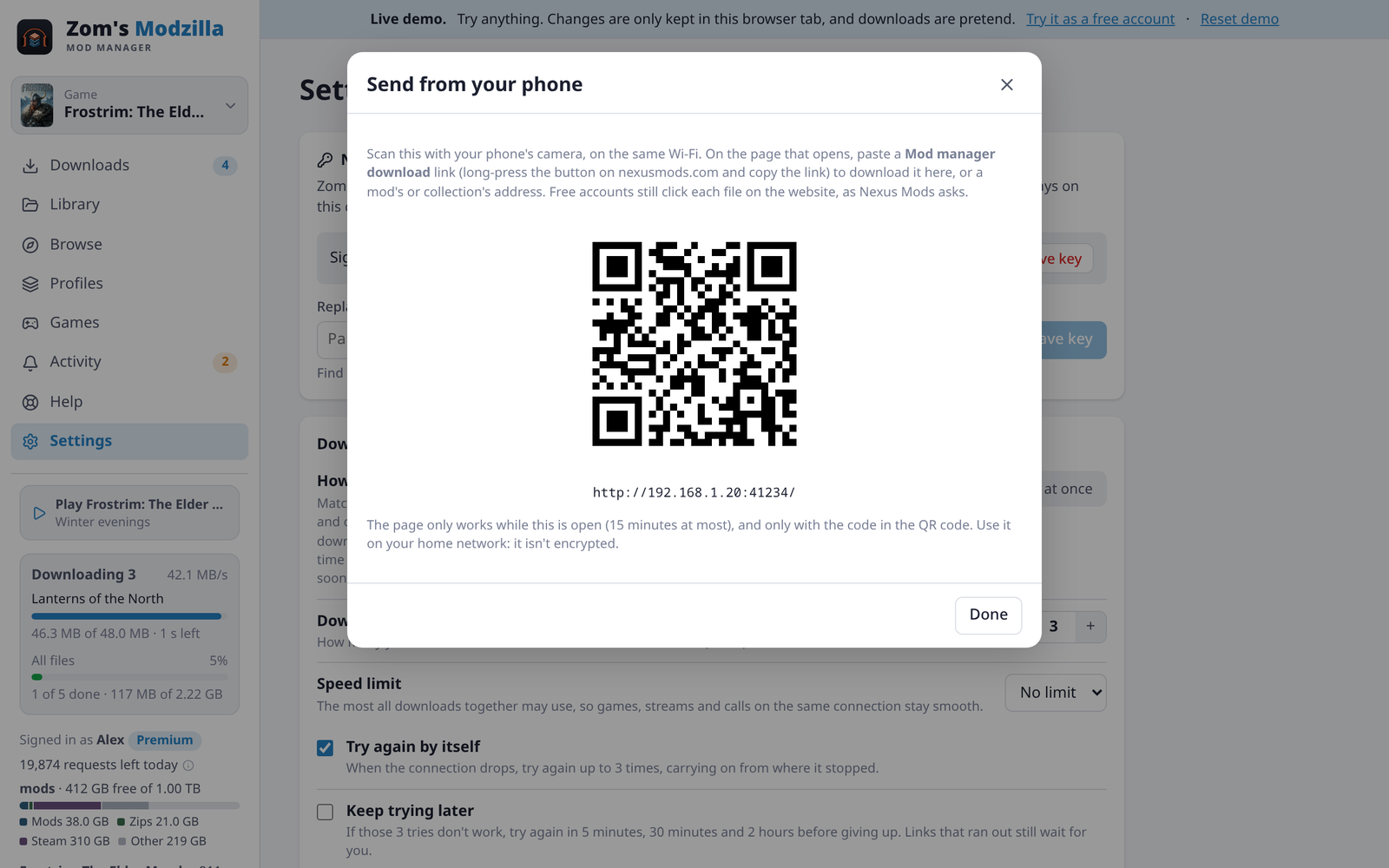
Choosing a text box with A, or tapping it, opens Steam's keyboard (STEAM + X opens it any time). For a long download link, use Send from your phone (F4, or Help › Typing in Game Mode): scan the QR code, and paste a Mod manager download link, or a mod's or collection's address, on your phone. The page only works while that dialog is open, only on your home network, and never takes your API key.
Script extenders (SKSE, F4SE…)
Steam's Play button starts the game's launcher, never the script extender. On Games, open the game's Game tools (the wrench) and switch on Steam's Play starts SKSE. See Game tools.
Battery and sleep
Downloads cut off by sleep start again on waking, from where they stopped. In Settings › Downloads, new downloads can wait below a battery level, and unpacking can wait for the charger.
The quick access menu
With Decky Loader, the Zom's Modzilla plugin lists your profiles in the … menu: switch a game's profile, or take its mods out, without leaving Game Mode. It's in the source under packaging/decky, with how to build and install it.